
Several features in the WooCommerce crypto payment plugin are designed to make cryptocurrency transactions on your WooCommerce-based online store easier, safer, and more efficient. Here are the key characteristics of the XAIGATE WooCommerce crypto payment plugin

1. Support for Multiple Cryptocurrencies
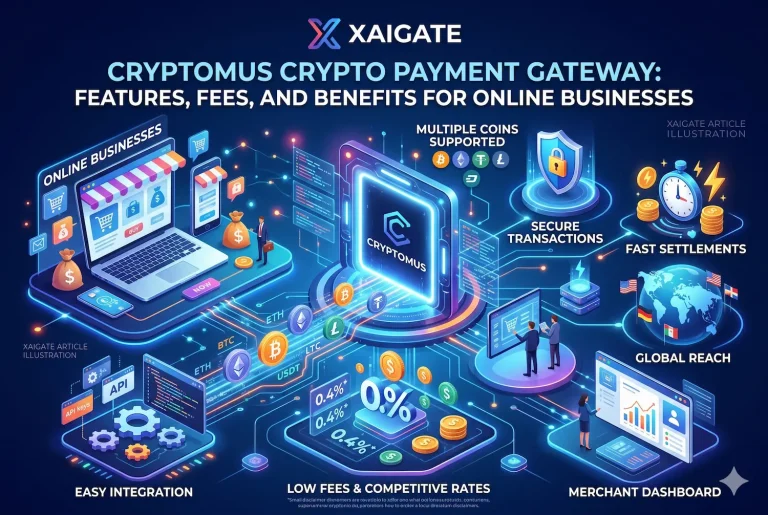
- The WooCommerce crypto payment plugin supports a wide range of cryptocurrencies, including Bitcoin (BTC), Ethereum (ETH), Tether (USDT), and others that XAIGATE facilitates.
- Real-time exchange rate-based automatic currency conversion for seamless transactions.
2. Easy Integration with WooCommerce
- The WooCommerce crypto payment plugin integrates smoothly with WooCommerce, allowing you to offer cryptocurrency payments at checkout without disrupting your current workflow.
3. Safe Transactions
- Leveraging blockchain technology, the plugin ensures secure, impenetrable payment processing.
- End-to-end encryption guarantees the confidentiality and security of all payment information.
4. Easy-to-Use Checkout
- Customers can complete their purchases quickly by using their cryptocurrency wallets in a few simple steps.
- The plugin introduces QR code scanning for instant wallet payments, streamlining the transaction process.
5. Real-Time Exchange Rates
- XAIGATE offers dynamic pricing, using live market rates to convert product prices into cryptocurrency values, ensuring up-to-date conversions.
6. Instant Payment Verification
- The WooCommerce crypto payment plugin provides real-time payment verification, reducing wait times for both customers and merchants.
7. No Refunds
- Since cryptocurrency payments are irreversible, merchants are protected from chargebacks, ensuring a secure transaction environment.
8. Customizable Settings
- Merchants can set minimum and maximum limits for cryptocurrency payments.
- You have the option to enable or disable specific coins, giving you flexibility in how you accept digital currencies.
9. Analytics Dashboard
- The WooCommerce crypto payment plugin includes an easy-to-use dashboard for viewing statistics, reports, and transaction history directly from the WooCommerce admin panel.
10. Minimal Transaction Charges
- Compared to traditional payment gateways, XAIGATE offers low transaction fees, making it a cost-effective option for cryptocurrency payments.
11. Documentation and Compliance
- The plugin adheres to legal requirements to ensure full compliance.
- Clear documentation and step-by-step guidance are available to assist with installation and troubleshooting.
12. Global Reach
- By using XAIGATE, your store can accept payments from anywhere in the world without incurring expensive transfer fees or currency conversion costs.
13. Round-the-Clock Assistance
- XAIGATE provides reliable customer support, ready to assist with any technical or integration issues you might face.
Then what are you waiting for? XAIGATE WooCommerce crypto payment plugin is available today!
To find out more and get started, find crypto payment gateway solution !
For daily updates, subscribe to XAIGATE’s blog!
We may also be found on GitHub, and X (@mxaigate)! Follow us!