
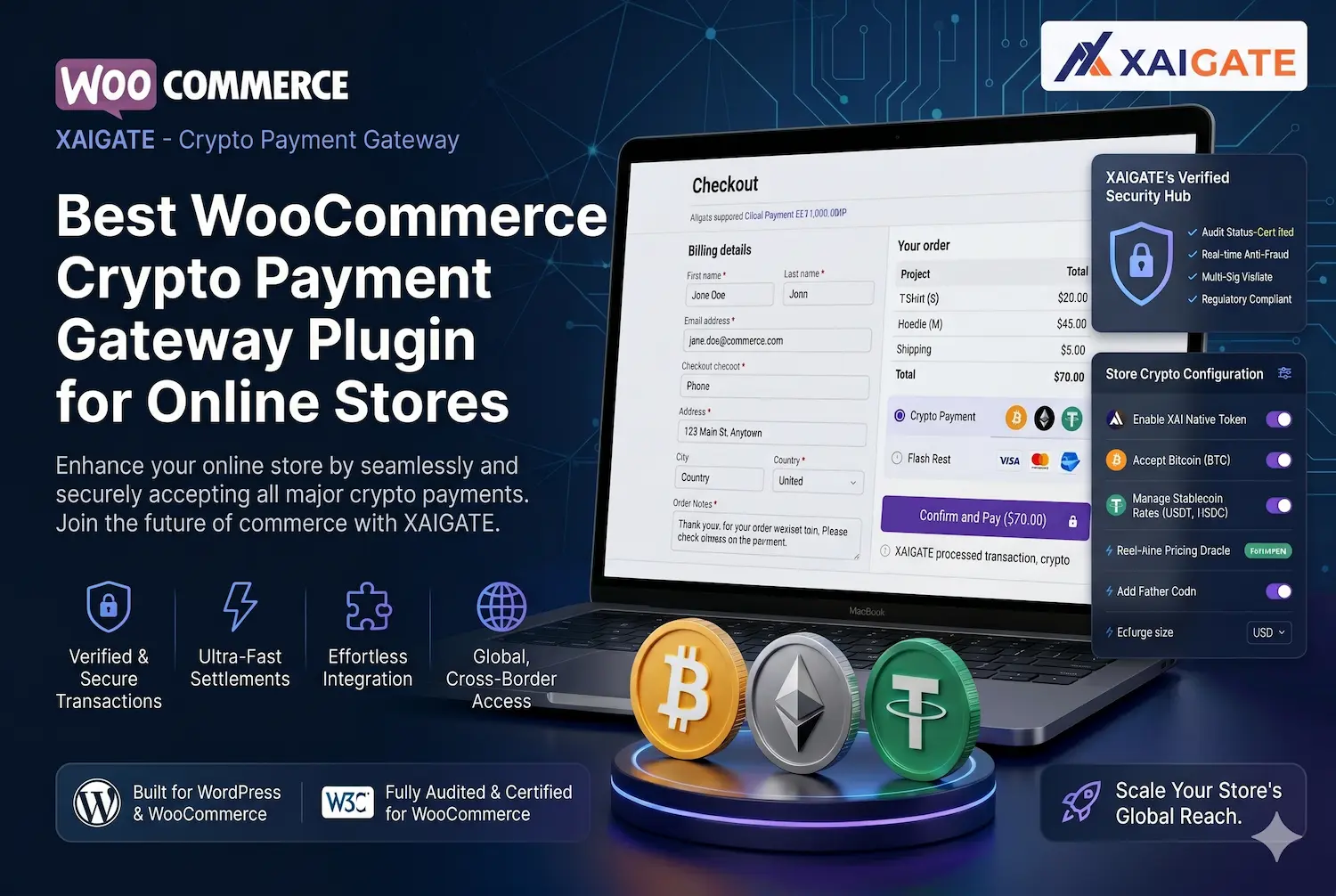
A WooCommerce store is no longer limited to card payments, bank transfers, or PayPal. As more customers use Bitcoin, Ethereum, USDT, and USDC, merchants need a simple way to accept crypto without breaking the checkout experience. A woocommerce crypto payment gateway plugin helps online stores receive digital asset payments, reduce payment friction, and reach global buyers faster. The real value is not only adding crypto as a payment option. It is choosing a plugin that is easy to set up, transparent in fees, secure in payment confirmation, and practical for daily store operations. Explore the details withXAIGATE in the article below.
Contents
- 1 What Is a WooCommerce Crypto Payment Gateway Plugin?
- 2 Key Features of the Best WooCommerce Crypto Payment Gateway Plugin
- 3 Best WooCommerce Crypto Payment Gateway Plugin Options
- 4 Comparison Table: What Should You Check Before Choosing?
- 5 Why XAIGATE Is a Strong Choice for WooCommerce Stores
- 6 FAQs – WooCommerce Crypto Payment Gateway Plugin
- 7 Conclusion
What Is a WooCommerce Crypto Payment Gateway Plugin?
A WooCommerce crypto payment gateway plugin connects your WordPress store with a crypto payment system. It allows customers to pay for products or services using digital currencies directly from the checkout page.
How It Works in WooCommerce Checkout
When a customer selects crypto at checkout, the plugin creates a payment request based on the order amount. It may show a wallet address, QR code, or payment link so the customer can complete the transaction from their crypto wallet.
After payment is sent, the system tracks the blockchain transaction and updates the WooCommerce order status. A good plugin should handle this process clearly, so both merchant and customer know whether the payment is pending, confirmed, expired, or completed.
Key checkout steps usually include:
- Customer selects crypto payment: The buyer chooses crypto as the payment method during WooCommerce checkout.
- Plugin generates payment details: The system creates the wallet address, amount, network, and payment timer.
- Blockchain transaction is confirmed: The plugin checks payment status before updating the order.
- WooCommerce order is updated: The merchant can process the order once payment confirmation is complete.
Why Online Stores Are Adding Crypto Payments
WooCommerce merchants add crypto payments because they want more control over cross-border transactions. Traditional payment methods can involve high fees, delays, rejected cards, and chargeback risks, especially for international customers.
Crypto payments give stores another way to receive money from buyers worldwide. Stablecoins such as USDT and USDC are especially useful because they reduce volatility compared with only accepting Bitcoin or Ethereum.
Main benefits include:
- Global payment access: Customers from different regions can pay without relying on local banks or cards.
- Lower chargeback risk: Crypto transactions do not work like card payments, so fraudulent chargebacks are reduced.
- Stablecoin support: USDT and USDC help merchants receive crypto with more predictable value.
- Better Web3 customer experience: Crypto users can pay directly from their wallet without converting funds first.
See more: Top commercial benefits of crypto payment gateways
Crypto Payment Plugin vs Traditional Payment Gateway
Traditional gateways such as card processors focus on fiat payments. They are familiar, but they often include chargebacks, card decline issues, account reviews, and settlement delays.
A crypto payment plugin gives merchants a different payment route. It can be faster for international transactions and more direct for customers who already hold crypto. However, the store must choose a reliable plugin because crypto payments require accurate payment tracking and clear order confirmation.
| Factor | Traditional Payment Gateway | Crypto Payment Gateway Plugin |
| Payment method | Card, bank, wallet, PayPal | BTC, ETH, USDT, USDC and other crypto |
| Chargeback risk | Higher | Lower |
| Cross-border use | May face restrictions | Easier for global crypto users |
| Settlement speed | Can take days | Can be faster depending on network |
| Volatility | Usually fiat-based | Lower when using stablecoins |
| Technical setup | Common but regulated | Needs wallet, API, or plugin setup |
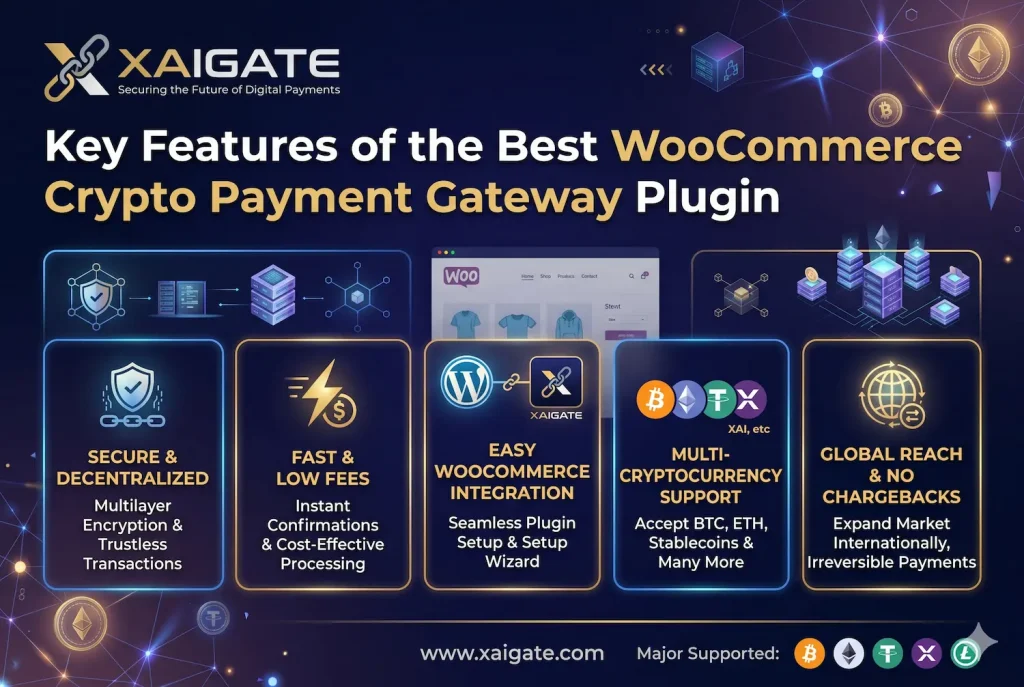
Key Features of the Best WooCommerce Crypto Payment Gateway Plugin
The best plugin is not simply the one that supports the most coins. For a real WooCommerce business, the right plugin must be stable, simple, secure, and suitable for daily checkout operations.
Support for Popular Coins and Stablecoins
A strong WooCommerce crypto payment gateway plugin should support major assets customers already use. Bitcoin and Ethereum are still widely recognized, but stablecoins are often more practical for eCommerce.
USDT and USDC help merchants avoid large price changes during or after the transaction. For stores that sell internationally, stablecoin payments can make crypto checkout easier to manage.
Important assets to consider include:
- Bitcoin: Popular and trusted by many crypto users.
- Ethereum: Common across Web3 users and digital asset holders.
- USDT: Useful for fast stablecoin payments across multiple networks.
- USDC: Suitable for customers who prefer regulated stablecoin options.
- Multi-chain assets: Helpful when customers want cheaper or faster network options.
Low Fees and Transparent Payment Flow
Fees matter because they affect store profit on every order. A plugin may advertise low fees, but merchants should also check network fees, conversion fees, payout costs, and hidden charges.
XAIGATE is positioned as a practical crypto payment gateway with very low fees of around 0.2% per transaction. This makes it attractive for merchants who want to reduce payment processing costs while adding crypto checkout to their WooCommerce store.
A transparent payment flow should show:
- Gateway fee: The fee charged by the payment gateway.
- Network fee: The blockchain transaction cost paid on the selected network.
- Final received amount: The amount the merchant actually receives.
- Payment status: Clear labels such as pending, confirmed, completed, or expired.
- No hidden cost: Merchants should understand the full cost before going live.
Easy Setup, API, and Plugin Integration
WooCommerce merchants usually do not want a complex Web3 setup. They need a plugin that can be installed, configured, tested, and launched without disrupting the checkout flow.
XAIGATE focuses on a lightweight and simple payment experience. It supports API and plugin integration, making it suitable for businesses that want to accept crypto without building a custom payment system from scratch.
A good plugin should provide:
- Simple installation: The plugin should be easy to add to WordPress and WooCommerce.
- Clear configuration: Wallet, coin, network, and checkout settings should be easy to manage.
- API support: Developers should be able to connect payment flows when needed.
- Checkout compatibility: The plugin should work smoothly with the store’s checkout layout.
- Reliable documentation: Setup guides reduce mistakes during installation and testing.
Best WooCommerce Crypto Payment Gateway Plugin Options
There are several crypto payment plugins available for WooCommerce. Some focus on supporting many coins, while others focus on direct wallet control, fiat settlement, or developer flexibility.
XAIGATE is a strong choice for businesses that want a practical and simple crypto payment gateway. It allows companies to accept payments in crypto such as BTC, USDT, and USDC from global customers. It also focuses on low fees, non-custodial payment control, fast integration, and a less complicated setup.
Other options may include providers such as NOWPayments, CoinGate, BTCPay Server, Blockonomics, or similar WooCommerce crypto payment tools. These can be useful depending on the store’s needs, but merchants should compare fees, supported coins, custody model, checkout experience, and plugin stability before choosing.
The best option is the one that fits your payment strategy. A small online store may prioritize simple setup. A cross-border store may focus on stablecoin support. A developer-led business may need API flexibility and advanced customization.
See more: Why Use a Crypto Payment Gateway: Key Advantages You Should Know
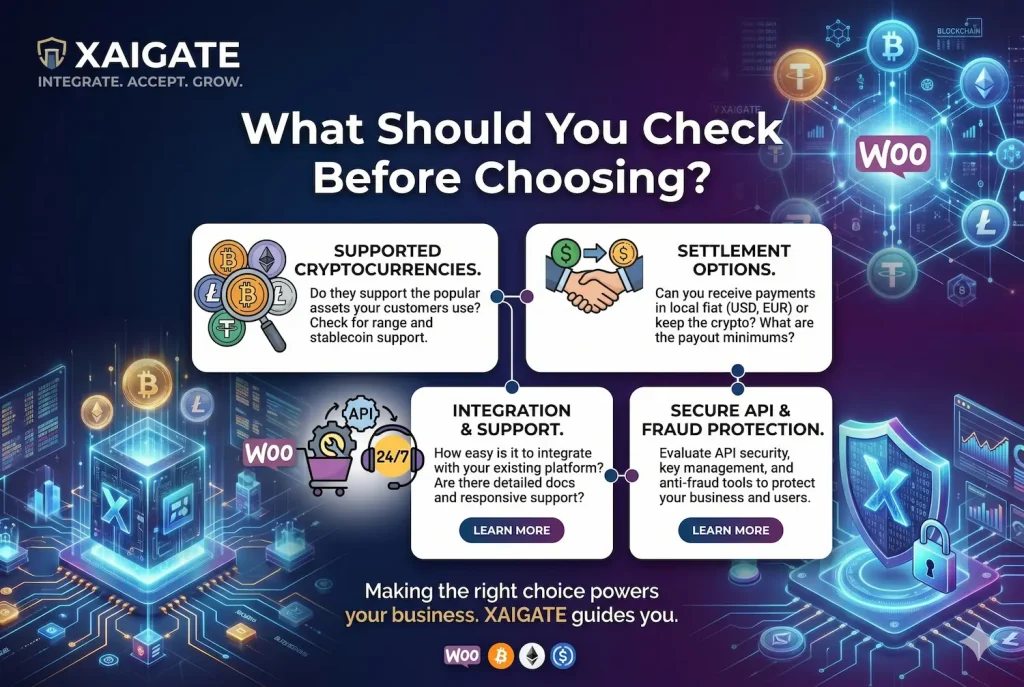
Comparison Table: What Should You Check Before Choosing?
Before installing any WooCommerce crypto payment gateway plugin, merchants should check the core factors that affect payment reliability and customer experience.
| Criteria | What to Check | Why It Matters |
| Supported coins | BTC, ETH, USDT, USDC and other popular assets | Gives customers more payment flexibility |
| Fees | Gateway fee, network fee, hidden fee | Protects your profit margin |
| Custody model | Custodial, non-custodial, or hybrid | Defines who controls the funds |
| WooCommerce setup | Plugin installation, API, checkout compatibility | Prevents checkout errors |
| Settlement | Crypto wallet, stablecoin, or fiat payout | Affects cash flow and accounting |
| Security | Webhook, API key, order confirmation | Reduces payment and order risks |
| Documentation | Setup guide, testing guide, support material | Helps merchants launch faster |
| Customer experience | QR code, payment timer, clear status | Makes checkout easier for buyers |
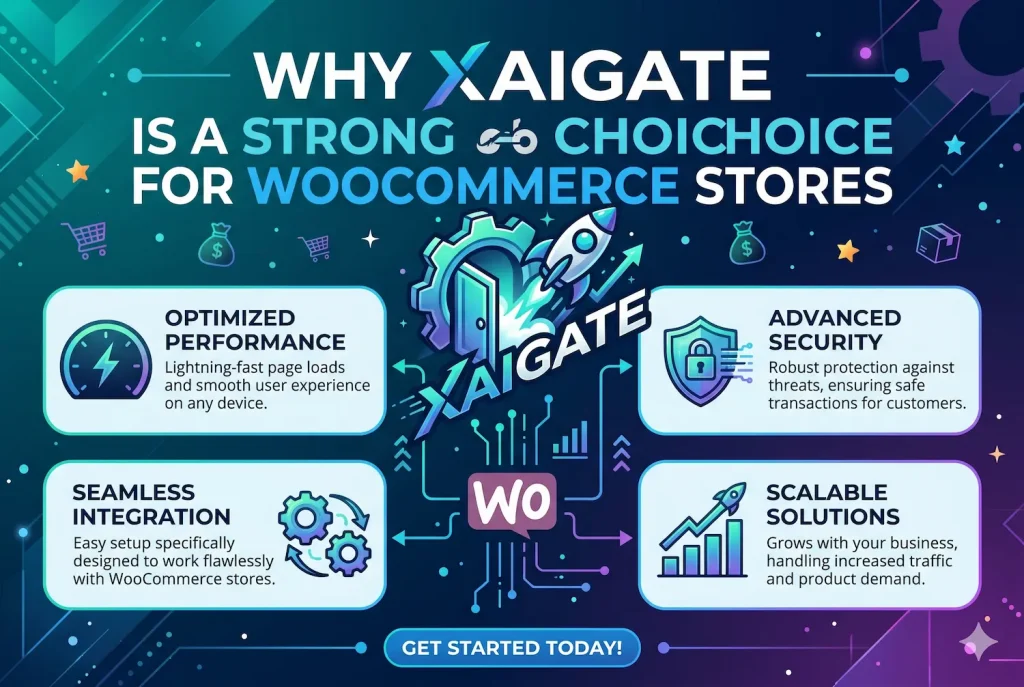
Why XAIGATE Is a Strong Choice for WooCommerce Stores
XAIGATE is built as a crypto payment gateway for businesses that want a simple way to accept digital asset payments. It helps merchants receive payments from global customers using crypto such as BTC, USDT, and USDC.
The key advantage is practicality. XAIGATE is not positioned as a complex Web3 tool for technical users only. It is designed to make crypto payments easier for businesses that need a lightweight, efficient, and direct payment solution.
For WooCommerce stores, XAIGATE offers several useful strengths:
- Simple crypto checkout: Merchants can add crypto as a payment option without overcomplicating the buying journey.
- Low transaction cost: Fees of around 0.2% per transaction can help stores reduce payment processing expenses.
- Non-custodial model: XAIGATE does not hold user funds, which gives merchants more control over payments.
- Multi-coin support: Support for major crypto assets helps businesses serve different customer groups.
- API and plugin integration: Businesses can connect crypto payments faster without building everything manually.
- Global payment reach: Stores can accept payments from international customers without depending only on banks or card networks.
This makes XAIGATE suitable for WooCommerce merchants who want to enter crypto payments in a practical way. It gives the store another checkout option while keeping the experience focused on speed, lower fees, and usability.
FAQs – WooCommerce Crypto Payment Gateway Plugin
1. What is a WooCommerce crypto payment gateway plugin?
It lets WooCommerce stores accept crypto payments at checkout.
2. How does crypto checkout work in WooCommerce?
The plugin creates a payment request, wallet address, or QR code.
3. Can WooCommerce accept stablecoins?
Yes, stores can accept USDT, USDC, and other stablecoins.
4. Why do WooCommerce stores add crypto payments?
They can reach global buyers and reduce payment friction.
5. Can crypto payments reduce chargebacks?
Yes, confirmed crypto payments are generally irreversible.
6. What fees should merchants check?
Check gateway fees, network fees, conversion costs, and hidden charges.
7. Why are payment status updates important?
They help track pending, confirmed, completed, or expired payments.
8. Does XAIGATE support WooCommerce integration?
Yes, XAIGATE supports API and plugin-based crypto payment integration.
9. Is non-custodial payment control useful?
Yes, it gives merchants more control over received funds.
10. What should stores check before launch?
Check coins, fees, checkout UX, security, settlement, and support.
Conclusion
Choosing the right woocommerce crypto payment gateway plugin is not only about adding Bitcoin or stablecoin payments to your store. It is about building a checkout flow that is simple, secure, cost-efficient, and ready for global customers.
A good plugin should support popular coins, offer transparent fees, confirm payments accurately, and work smoothly with WooCommerce. XAIGATE is a strong option for merchants that want low fees, non-custodial payment control, simple integration, and a practical crypto checkout experience.
Start accepting crypto payments on your WooCommerce store with XAIGATE today. Simple setup. Lower fees. Global checkout.
For daily updates, subscribe to XAIGATE’s blog!
We may also be found on GitHub, and X (@mxaigate)! Follow us!